Data explorer - Biospecimens
Biospecimens in the Data Explorer
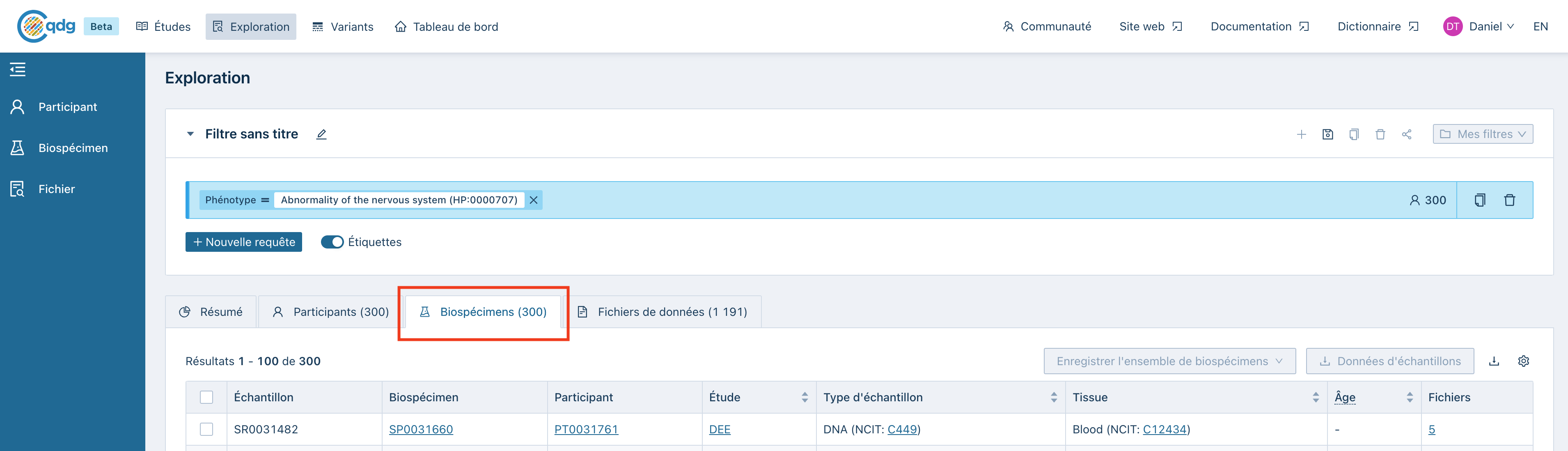
The "Biospecimens" tab displays detailed information about the biospecimens selected using the filters applied in the data explorer.
The "Biospecimens" tab is located between the "Participants" and "Files" tabs, below the queries and filters section.
Show more or fewer columns
Columns display additional information about the biospecimens from the user's query. Some columns are displayed by default. More or fewer columns can be displayed using the gear icon located at the top right of the tab.
The content of the columns is described in the table below.
| Column title | Column description |
|---|---|
| Sample ID | The unique identifier assigned to each sample in the CQDG portal. |
| Biospecimen ID | The unique identifier assigned to each biospecimen in the CQDG portal. |
| Participant ID | The unique identifier assigned to each participant in the CQDG portal. |
| Study | The code of the study in which the participant is enrolled. See the study exploration tool for more information about the studies. |
| Sample type | The type of sample used to produce the data. |
| Tissue | The tissue source of the biological specimen. |
| Age | Age at collection. The variable is categorized as follows: Antenatal: before birth Congenital: at birth Neonatal: < 28 days Infantile: >= 28 days and < 1 years Childhood: >= 1 years and < 5 years Juvenile: >= 5 years and < 16 years Young Adult: >= 16 years and < 40 years Middle Age: >= 40 years and < 60 years Senior: >= 60 years |
| Files | The number of molecular (or other) data files available for this individual. Click the link to navigate to the "Files" tab with all files for the selected individual. |